Simplenote is a cross-platform app/website that has one feature that is especially useful. You can use it to publish a page on the web with a simple click, share the link with your audience, and remove the page just as easily at any time. But it’s far more than that and can be used for a variety of purposes.
Notes stay updated across all your devices, automatically and in real time. There’s no “sync” button: It just works. Add tags to find notes quickly with instant searching. Share a to-do list, post some instructions, or publish your notes online. Notes are backed up with every change, so you can see what you noted last week or last month. Write, preview, and publish your notes in Markdown format. Apps, backups, syncing, sharing – it’s all completely free.Source
If you’re not using Simplenote, you’re missing out. TechCrunch
My main everyday watch is a Casio G-Shock that’s radio-controlled and solar-powered, and I absolutely love it. Imagine my feelings when the analogue hands went out of alignment and nothing I tried fixed the problem! Fortunately, I found this video and solved the problem.
I share the video here in case anyone else has the same problem.
Video Description: Although it should be rare, it is possible that the hands on an analog/digital watch will drift out of alignment with the digital time display. If the analogue time and the digital time don’t match, there’s a simple way to adjust the hands and bring them into sync again with the digital time.
In this video I demonstrate the hand realignment process. These instructions are specific to models of the Casio G-Shock AWG-M100 watches or any other watch which might use Casio’s Model 5230, like the AWG-M510. You can download the complete, official manual for that module from Casio’s website.
These watches are shock-resistant but it’s still possible that extreme shocks, shaking, hard knocks, etc. can cause the hands to drift out of alignment. Another possible cause for an alignment problem might be that the watch has been exposed to strong magnetism. Have no fear. Just try this simple procedure then protect your watch from shocks and magnetism and, in almost all cases, you won’t have an alignment problem again. If you’re asking “Why don’t the watch hand match the time?” or “Why are the G-Shock hands out of sync?” or “Why are the hands off?” …then maybe this video will help you. Greg Anderson.
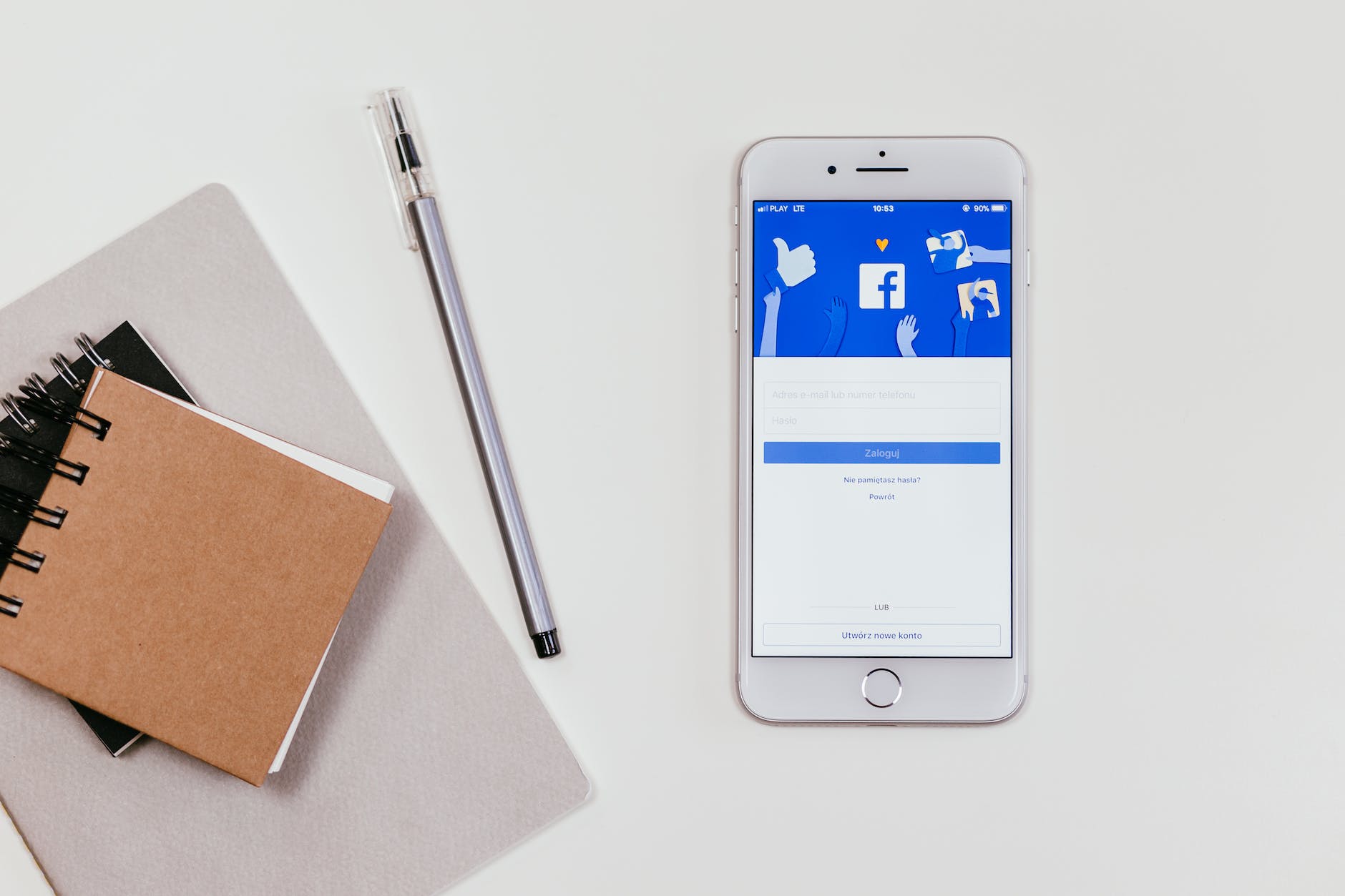
My observation of comments on Facebook (and other social media sites) suggests that there is considerable confusion between cloning and hacking.
Cloning does NOT involve someone getting into your account, so your password isn’t compromised. Hacking (on the other hand) DOES mean that someone has gained unauthorised access to your account, and you will need to regain control and change your password.
So, cloning a Facebook account is NOT hacking; it’s when someone copies your personal details and tricks your friends and others into thinking it’s you. It can happen because your security settings allow the public to see your friends list. Cloning can’t be prevented, but it’s less likely if you set the visibility of your friends list to [Friends only].
You can prevent hacking (when your account IS compromised) by setting up two-step verification; this simply involves a verification code being sent to a previously nominated mobile phone when there’s a login attempt from any new browser or device. This way, you are alerted to someone attempting to hack your account before it happens and can deal with it.
Two-step verification is widely available for many apps and websites.
People often complain about Facebook (and rightly so sometimes), but the tools needed to limit cloning or prevent hacking are already available and have been for a considerable time. They take little effort to set up, but may prevent big problems later on.
Spend a few minutes every so often to review your security settings on Facebook and other websites, you know it makes sense.
I’m sometimes amazed at the things people share on Facebook and other social media sites without first checking their veracity. NO, Facebook doesn’t have a new algorithm that limits the number of friends you see, and NO, your favourite supermarket isn’t going to give £75 to every customer – just STOP and think before sharing.
There’s a fantastic way of checking if something is a hoax or a scam, it’s called Google. If you come across something you think might be a hoax or scam on Facebook or elsewhere, simply Google it and add the word ‘hoax’ or ‘scam’ to the search terms. Always works for me. There’s also a couple of useful sites for checking; namely Snopes and Hoax Slayer, and both have a presence on Facebook.
Fake news is something else altogether, that’s sometimes more difficult to spot; but also watch out for satirical sites before reacting. Think before sharing, if it looks dodgy it probably is. Rant over!
There’s so much advertising on the Internet that, at times, it can become very distracting and intrusive. To reduce the amount that can overwhelm, I personally use an ad-blocker in my browser, which gives me a generally ad-free experience – but that’s a whole new discussion for another post.
You may have seen the above logo (or similar) on my blog, it appears in the left-hand column a little way down. By using this icon on my website I’m stating that I’m opposed to the use of corporate advertising on blogs and that I feel the use of corporate advertising on blogs devalues the medium; Similarly, I don’t accept money (or goods in kind) in return for anything I publish.
You will never see advertising on this site because I’m opposed to widespread advertising impacting every aspect of our existence; therefore, I’m drawing a line around this ‘personal’ space (deeming it inappropriate for advertising).
What I write is 100% my choice, and I will always seek to be as open and honest as I can. Be assured that my endorsement of anything (whether it’s a product, a book, a piece of art, an idea) comes directly from me and is not influenced by any outside person or organisation.
This is a helpful quote with which to conclude: If we, as a society, lose our voice completely, and corporations start doing all the talking, then we’ll be utterly lost. To some degree, this has already happened. Our ability to envision a future collectively has already been severely compromised.Kalle Lasn
Note: If you appreciate my varied posts, you might like to donate (click on link) towards my running costs. You can choose a one-off payment or a monthly/yearly subscription. Thanks, John.



 John Ager's Home on the Web!